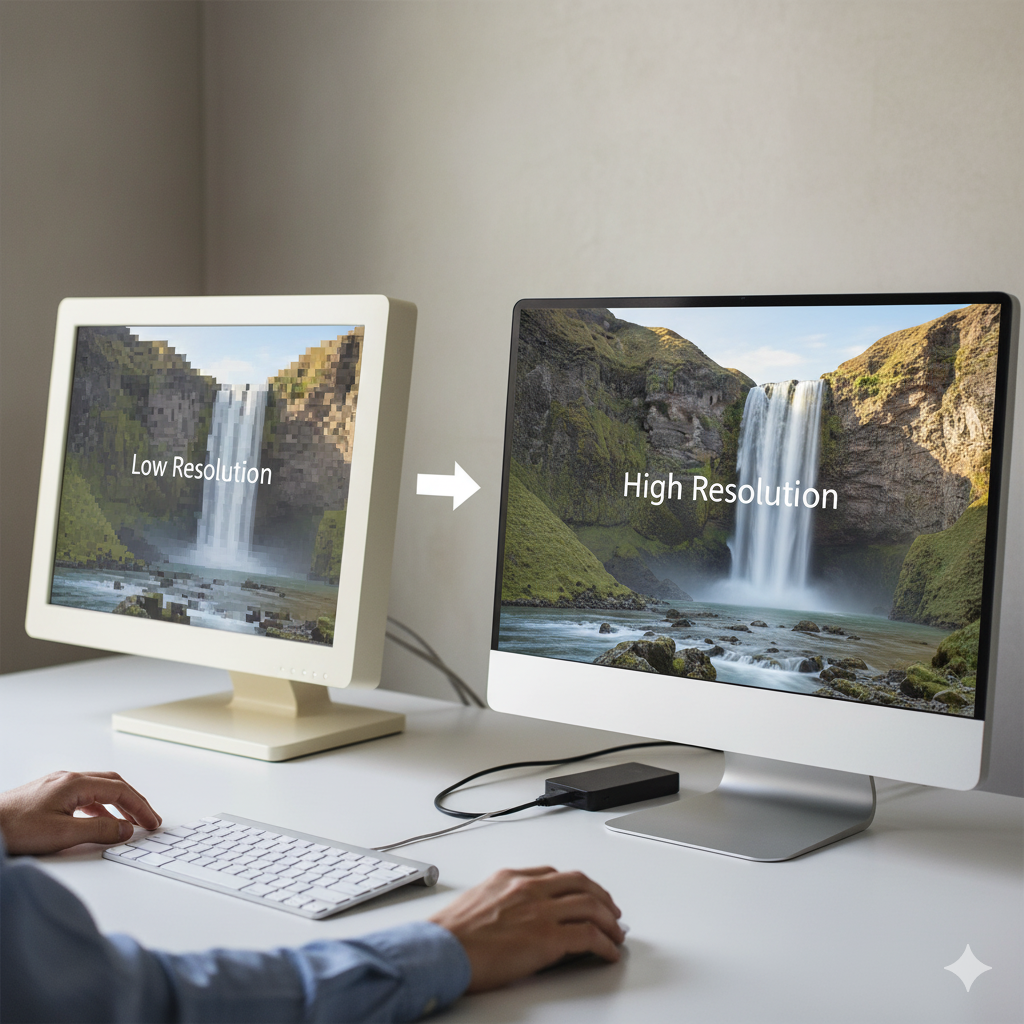
Choosing and Converting the Right Formats
Opt for modern formats: WebP supports high DPI with 30-50% smaller sizes than JPEG, ideal for Retina. AVIF, with its 10-bit color depth, excels for 4K HDR displays, offering up to 50% compression gains. Convert JPEGs to these formats using tools like your image converter website, adjusting quality to 80-90% to retain detail.
For transparency, use PNG or WebP’s alpha channel, resizing to 2x (e.g., 1440×900 to 2880×1800 for a 720×450 display). Batch process to handle multiple assets, stripping metadata to reduce file weight by 10-15%. Test with color profiles—sRGB for web, Adobe RGB for print-to-display transitions—to avoid color shifts.
Resizing and Optimization Techniques
Double the resolution for Retina: a 300x300px image becomes 600x600px at 2x DPR. Use CSS with srcset: . This serves high-DPI versions to compatible devices, minimizing bandwidth waste.
Compress smartly—AI tools analyze pixel data, applying perceptual compression to maintain quality at reduced sizes. Target under 200KB for web assets; for 4K, aim for 500KB maximum. Lazy loading with loading=”lazy” defers off-screen high-res images, enhancing mobile performance on slow networks.
Advanced tip: Use vector formats like SVG for icons, converting to raster only for specific DPRs via tools like Inkscape, ensuring scalability without quality loss.
Tools and Implementation Steps
Leverage your image converter: upload originals, select Retina preset (2x/3x upscaling, WebP output), and download. For developers, ImageMagick’s convert command (e.g., convert input.jpg -resize 200% output.webp) automates batch tasks. Preview in browser dev tools at 2x zoom to verify sharpness.
Pitfalls include over-sharpening, which introduces noise, or ignoring DPR, causing blurry outputs. Validate with tools like Lighthouse, targeting LCP under 2.5 seconds.
SEO and User Experience Benefits
High-res images enhance dwell time, signalling quality to search engines. Use file names like “retina-image-conversion-guide-2025.webp” and alt text with keywords like “how to optimize images for high-resolution screens.” This boosts image search rankings.